
Image Shrink
Smaller without changing how they look.
A photo compressor for Mac. Every picture is checked before it is touched, and nothing is uploaded.


See the saving before you save.
Each picture shows its saving first. Nothing is written until you press Save.

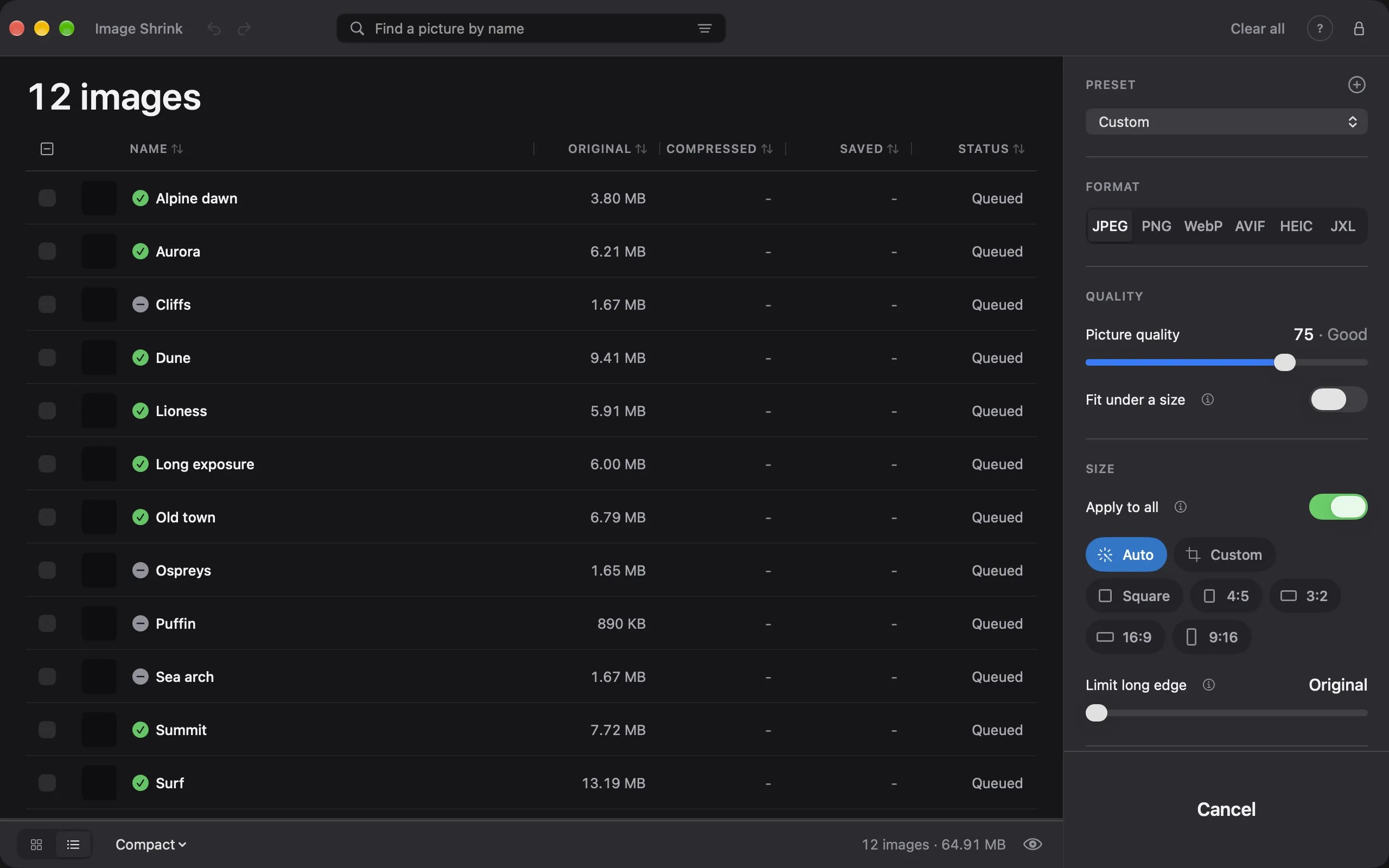

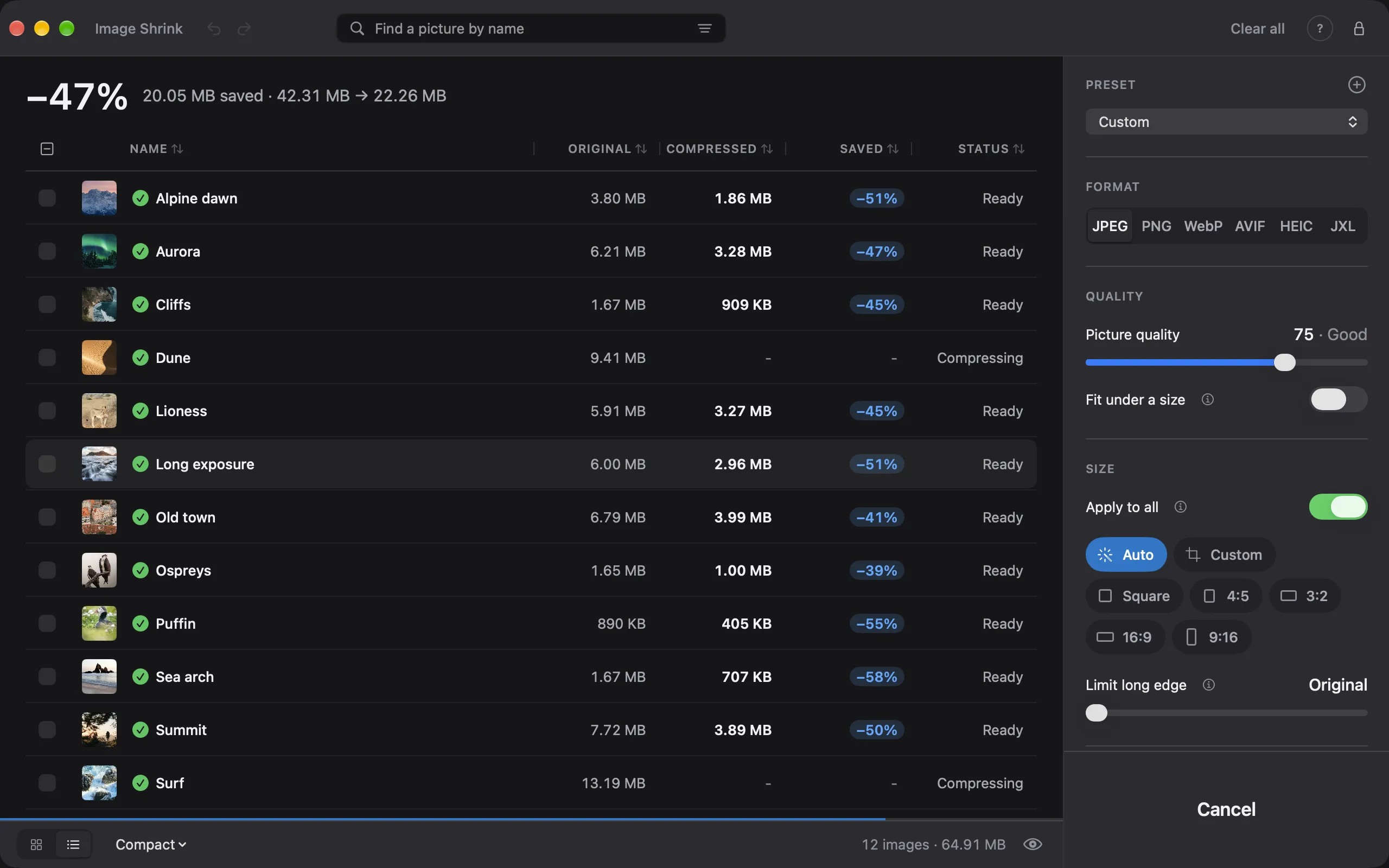


Drop a file, a folder or the whole shoot.
What half the size gets you.
Tested on 56 full-size photographs, before and after. All 56 came out smaller, and every original was checked byte for byte afterwards.
−55%
smaller, all 56 together
2.2x
the photos in the same space
4½ min
to send what took 10


And they look the same. Both files shown 2560 pixels wide. Image Shrink’s scored 86.9 on SSIMULACRA 2, where 80 is very high. At the same look it was smaller than the Mac’s own JPEG on 52 of 56.
56 photographs from Unsplash, 0.5 to 16.4 MB and up to 131 megapixels each. Image Shrink 1.0 at quality 60, original size kept. Measured 22 September 2026. Rooftops by Kristine Kozaka.
Every format, every quality setting, no batch cap.
50 photos a day at full quality, free. No account.


Drop a photo. Get the whole delivery.
A watch folder crops, marks, renames and saves each size the moment a photo lands.


DSC_0521.jpg
dropped in Exports, 6.2 MB


Watch folder, in Pro
One photo in, three files out. Point a watch folder at Lightroom’s export folder, or any app that exports files, and every export is finished as it lands.
Photo by Juho Luomala on Unsplash; the logo is a stand-in for yours.
Built for the delivery, not the edit.
Image Shrink takes the finished picture and makes it light enough to send.
No sliders for the look. The picture you finished is the picture that leaves.
Your photos never leave your Mac.
No account. No upload. No analytics. It works the same with the Wi-Fi off.
No account
Nothing to sign up for, nothing to sign in to.
Never uploaded
Everything runs on your Mac, in the Mac’s sandbox.
Location off by default
Saved copies leave out where a photo was taken, unless you keep it.
Only what you choose
It opens the files and folders you give it. Never your Photos library.
How can you be sure?
Pro adds the workflow, not the quality.
Free compresses just as well. Pro is for the day with four hundred files and a client waiting.


Against the one you have heard of.
JPEGmini Pro is the compressor photographers are usually sold. Here is the same list for both.
JPEGmini Pro
$59 to $129
By tier, once. One year of updates.
Updates
Free for all of version 1
Updates
One year, then pay to renew
Free version
50 photos a day, every format
Free version
50 a day after a 7-day trial, JPEG only
Formats out
JPEG, PNG, WebP, AVIF, HEIC, JPEG XL
Formats out
JPEG
Metadata
You choose. Location off by default
Metadata
All EXIF kept
Watch folders and several sizes
In Pro
Watch folders and several sizes
In the $99 and $129 tiers
Originals in a watch folder
Left where they are
Originals in a watch folder
Moved out, deleted after a week
Crop, rename, logo watermarks
In Pro. Text watermarks free
Crop, rename, logo watermarks
Not available
JPEGmini’s column is from jpegmini.com and its help centre, checked 23 September 2026. US dollars.
Specs
Mac
Apple silicon, M1 or newer. macOS 14 or later.
Opens
JPEG, PNG, HEIC, HEIF, WebP, AVIF, TIFF, GIF, BMP, JPEG XL and camera RAW
Saves
JPEG, PNG, WebP, AVIF, HEIC or JPEG XL
Encoders
JPEG through jpegli. PNG through zopfli when Effort is set to Thorough.
Works with
Finder, Open With, Shortcuts, and Lightroom through a watch folder
Free
50 photos a day, every format and quality setting
Pro
$34.99 once. Free updates for all of version 1. Refund within 30 days.
Support
support@getimageshrink.com. A person answers.
Before you press the button.
Still stuck? Write to support@getimageshrink.com. A person answers.
Yes, for 50 photos a day, with every format, every quality setting and no limit on how many you drop at once. Pro is $34.99 once, not a subscription, with free updates for all of version 1. It removes the daily count and adds the delivery tools: watch folders, crop, rename, several sizes at once, logo and QR watermarks, and fit under a size.

Image Shrink is made by Xiobo Creative LLC. Apple silicon, macOS 14 or later. Apple and Mac are trademarks of Apple Inc., registered in the U.S. and other countries. Lake at sunset by Tatiana Rudneva on Unsplash. Wedding photo by Samuel Cruz on Unsplash.